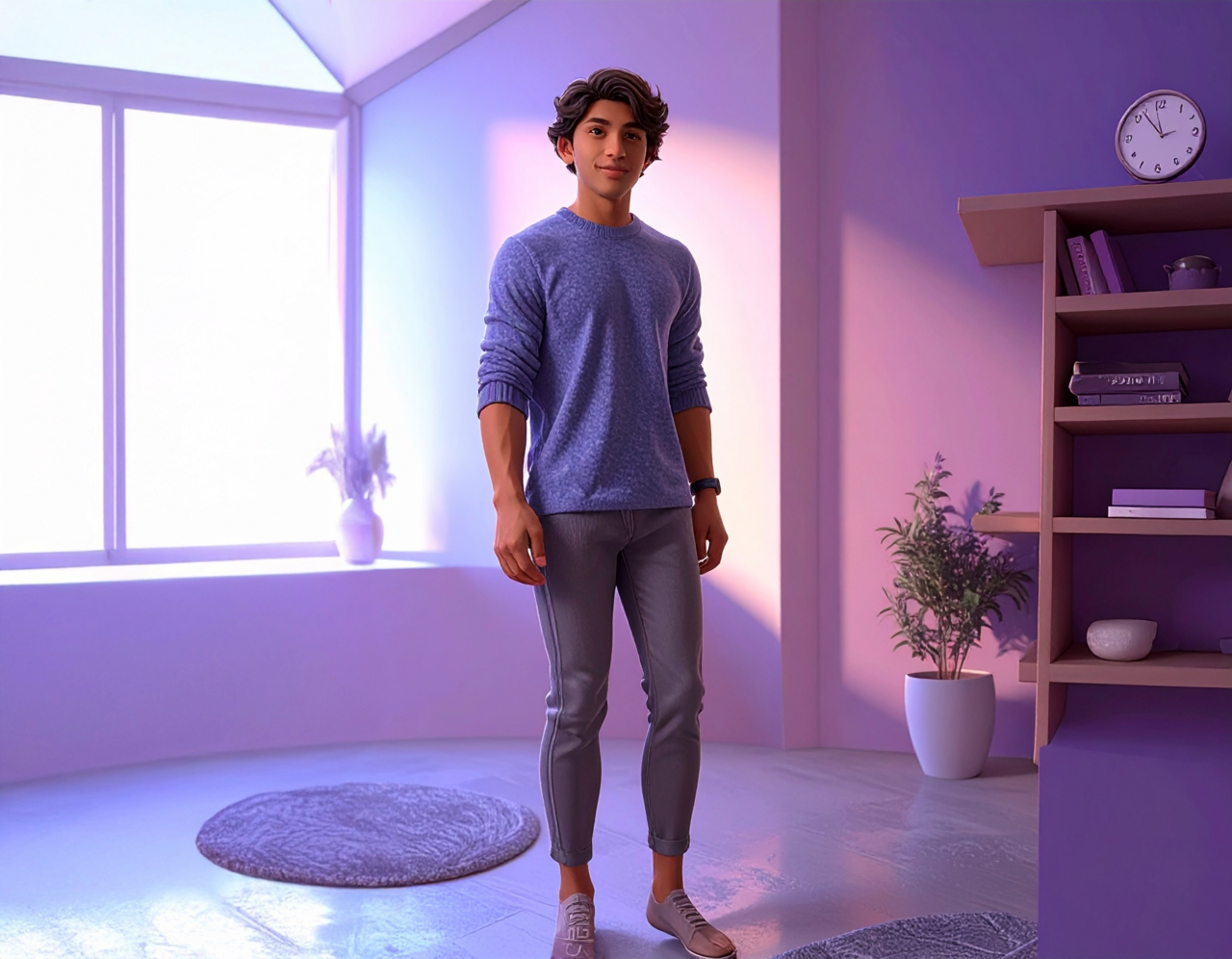
Ever found a dress online that looked great on the model but wondered if it would work on you? AI virtual try-on is here to answer that question. By uploading a photo of yourself and the garment, these tools generate an image of you wearing the item. While the tech has improved significantly in 2026, it still has limitations. This guide breaks down how it works and helps you pick the right tool for your needs.
How the Technology Works
Most modern try-on tools rely on diffusion models, the same tech behind popular image generators. The process involves three steps: analyzing your pose and body shape, reading the garment's cut and texture, and generating a new image that paints the clothes onto you. The quality depends heavily on the model used. Purpose-built tools like Fashn, trained on roughly 18 million examples, preserve details better than general-purpose models, which might smear logos or change prints.
What to Look for in a Tool
Your input photo is the most critical factor. For the best results, use a full-body shot with even lighting and a plain background. Close-ups often lead to distorted results because the AI has to invent the rest of your body. When choosing a tool, calculate the actual cost per try. A $19 monthly subscription with 200 credits might seem cheap, but it only works if you use them all. For occasional users, pay-per-try options at around $0.10 are often more economical.
Common Pitfalls and Limitations
Be aware that AI try-on is a preview, not a fitting room. It shows how the garment looks, not how it feels or fits. The technology often struggles with complex patterns like stripes, small prints, or sheer fabrics. If the output looks off, check your original photo first; bad lighting or cluttered backgrounds cause many errors. Also, remember that free demos often run on shared GPUs, meaning you might face long wait times or silent failures during peak hours.
Top Tools to Consider
For shoppers, StyleTry offers a browser-based experience with 1,499 AI models and over 2,000 outfits for about $0.10 per try. Sellers needing high-volume, high-fidelity images might prefer Fashn, which offers up to 4K output and API access. If you want to experiment for free, Kolors Virtual Try-On on Hugging Face provides the best free output quality, though with queue times. Outfit Anyone from Alibaba is another free option, but it only shows garments on preset AI models, not your own photo.
Key Takeaways
- Use high-quality, full-body photos for the best results.
- Calculate the real cost per try before committing to a subscription.
- Check licensing terms if you plan to publish the generated images.
- Match the tool to your use case: shoppers, sellers, or experimenters.
The Bottom Line
AI virtual try-on is a powerful preview tool, but it is not a replacement for physical fitting. Choose your tool based on your specific needs and budget, and always verify the output against the original garment photo.