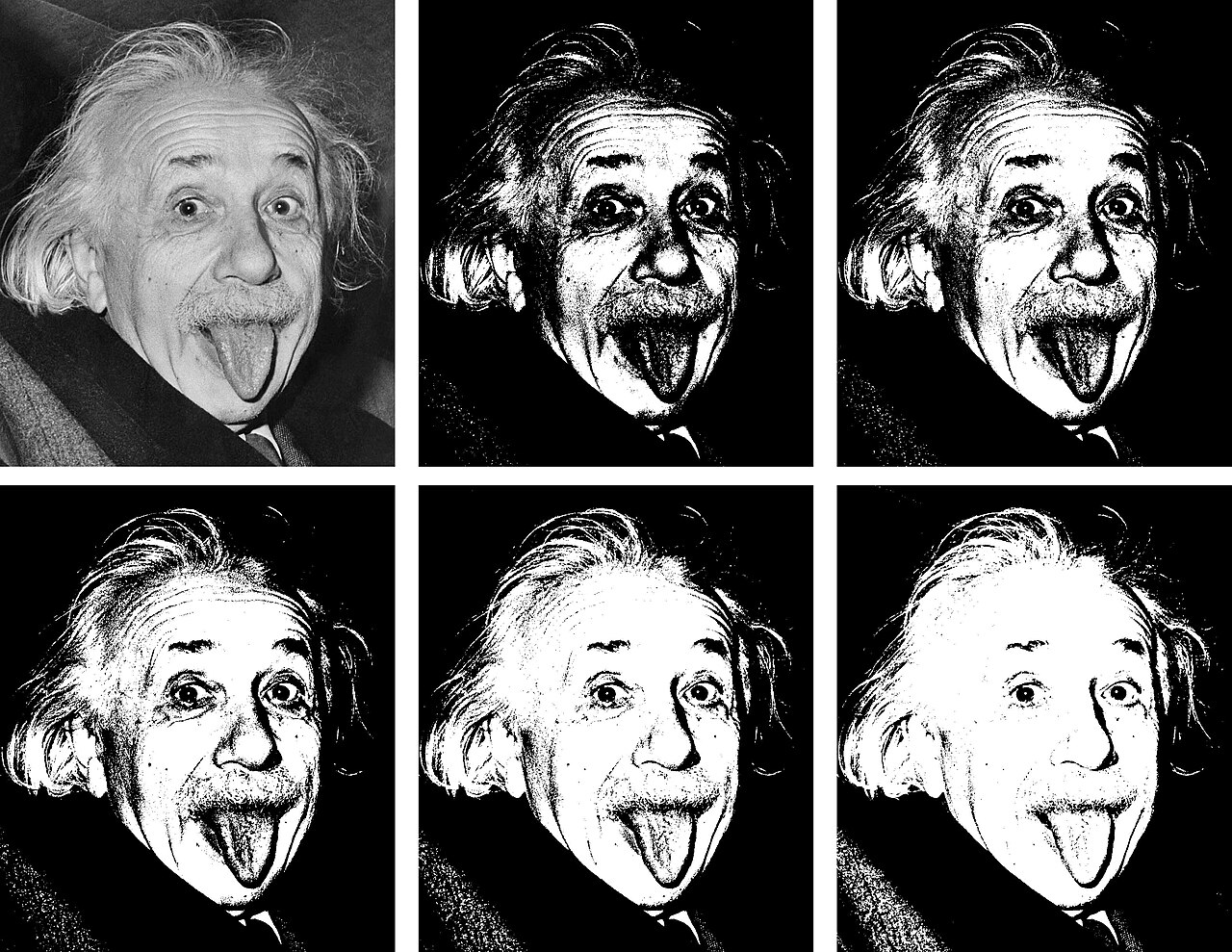
Stencil My Tattoo, a specialized tool for converting tattoo artwork and reference photos into design drafts, is demonstrating a critical interface pattern for developers building AI image applications. Rather than relying on vague prompts like 'make it better,' the platform forces users to define their intent upfront through three distinct modes: Stencil Outline, Original Tattoo, and AI Design Upgrade. This approach transforms ambiguous requests into concrete output contracts, allowing users to select the precise transformation they need before committing computational credits.
Defining Output Contracts Over Ambiguous Prompts
The core engineering lesson here is the separation of concerns in user intent. The 'Stencil Outline' mode extracts black-and-white linework, while 'Original Tattoo' preserves color references. A third option, 'AI Design Upgrade,' refines rough concepts while keeping the core idea recognizable. By naming these modes explicitly and displaying them alongside the selection control, the interface prevents users from wasting resources on tasks that don’t match their goal. For developers, this suggests that clarity in input parameters is more valuable than a single, overly flexible generative model that requires complex natural language prompting.
Explicit Input Rules and Transparent Costing
The workflow accepts JPG, PNG, and WebP images up to 10 MB, but the real value lies in the transparency of the process. Users are guided to crop distracting objects, select their output mode, and immediately see the credit cost before generation. The tool provides both white-background and transparent PNG downloads without additional charges, a practical detail that facilitates downstream editing. These constraints—file limits, format options, and cost visibility—belong in the primary interface, not buried in documentation. This reduces friction and ensures users can complete their task without unexpected barriers or hidden fees.
Privacy and Review as Core Workflow Steps
Stencil My Tattoo also addresses a common pitfall in AI tools: vague privacy claims. The platform explicitly states that while uploads are not shared as public gallery content, AI generation does send images to model providers. This distinction between 'private from public view' and 'processed by third-party APIs' is crucial for user trust. Furthermore, the tool treats review as a mandatory step, providing a checklist for users to verify edge preservation, shape separation, and detail density. This acknowledges that AI output is a draft requiring human oversight, particularly for professional applications like tattooing where line weight and placement are critical.
Key Takeaways
- Define specific output modes (e.g., outline vs. color vs. refinement) instead of relying on vague prompts.
- Display cost and input constraints (file size, format) directly in the interface before processing.
- Clarify privacy policies by distinguishing between public visibility and third-party API processing.
- Integrate a structured review checklist into the workflow to manage expectations for AI-generated drafts.
The Bottom Line
Stop hiding constraints in documentation; explicit output contracts and transparent privacy boundaries are the fastest way to build trust in AI image tools.